SCREEN TRANSLATION FOR IPHONE
Same screen.
Different language.
Translate text in screenshots, photos and app screens on your iPhone. Add the screenshot shortcut to Back Tap or a supported Action Button.
Requires iOS 18.4 or later. Background screenshot previews require iOS 26 or later; earlier supported versions open the app. Free download with in-app subscriptions.
KEEP THE DESIGN
No ugly overlays.
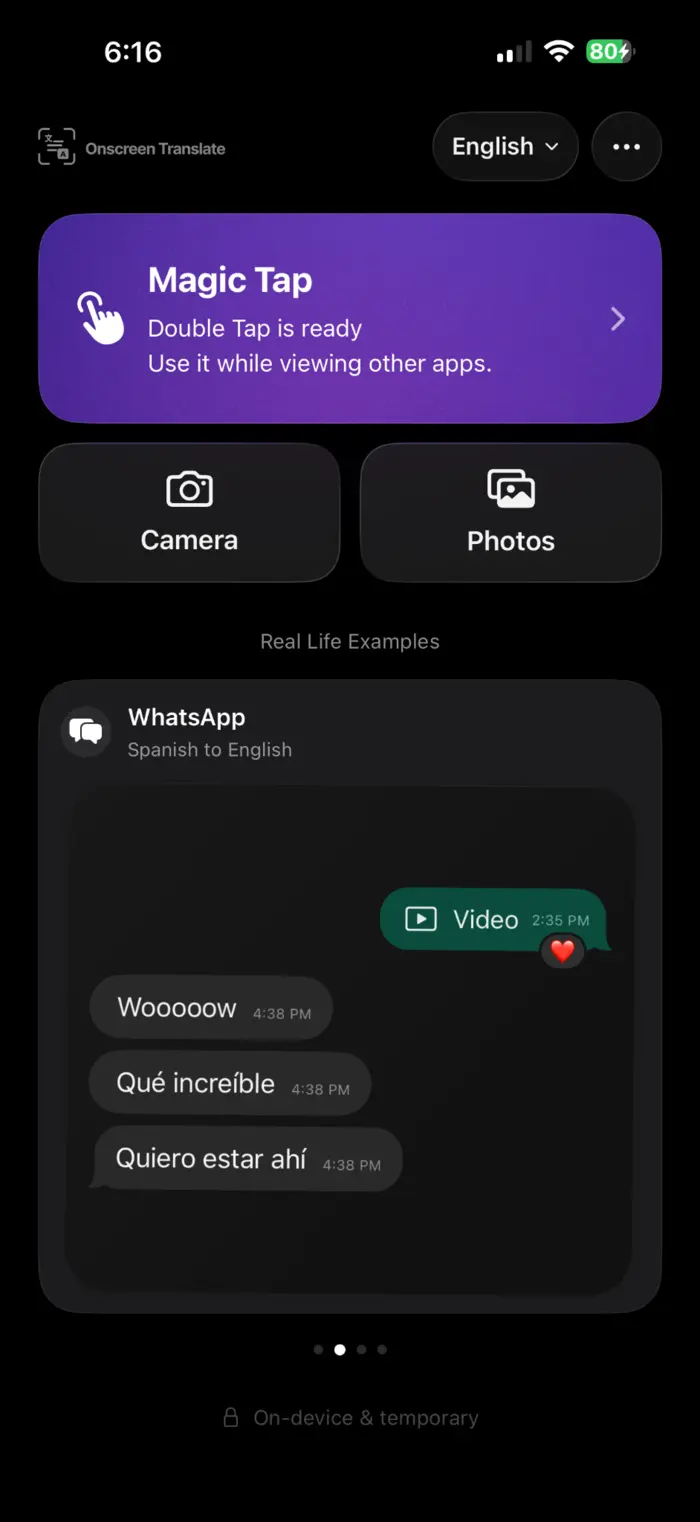
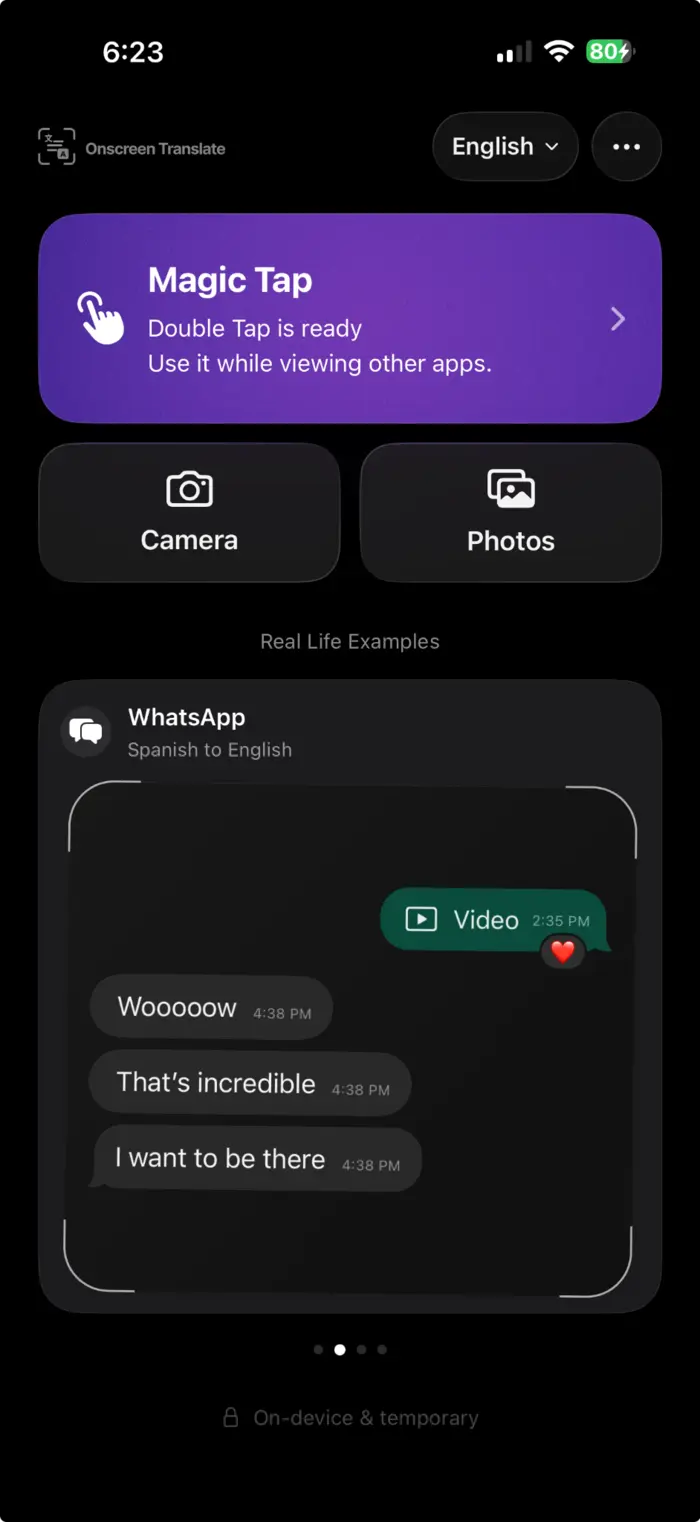
OnScreen Translate keeps the layout, colors, and visual hierarchy of the screen, so the translation still looks like the thing you were reading.
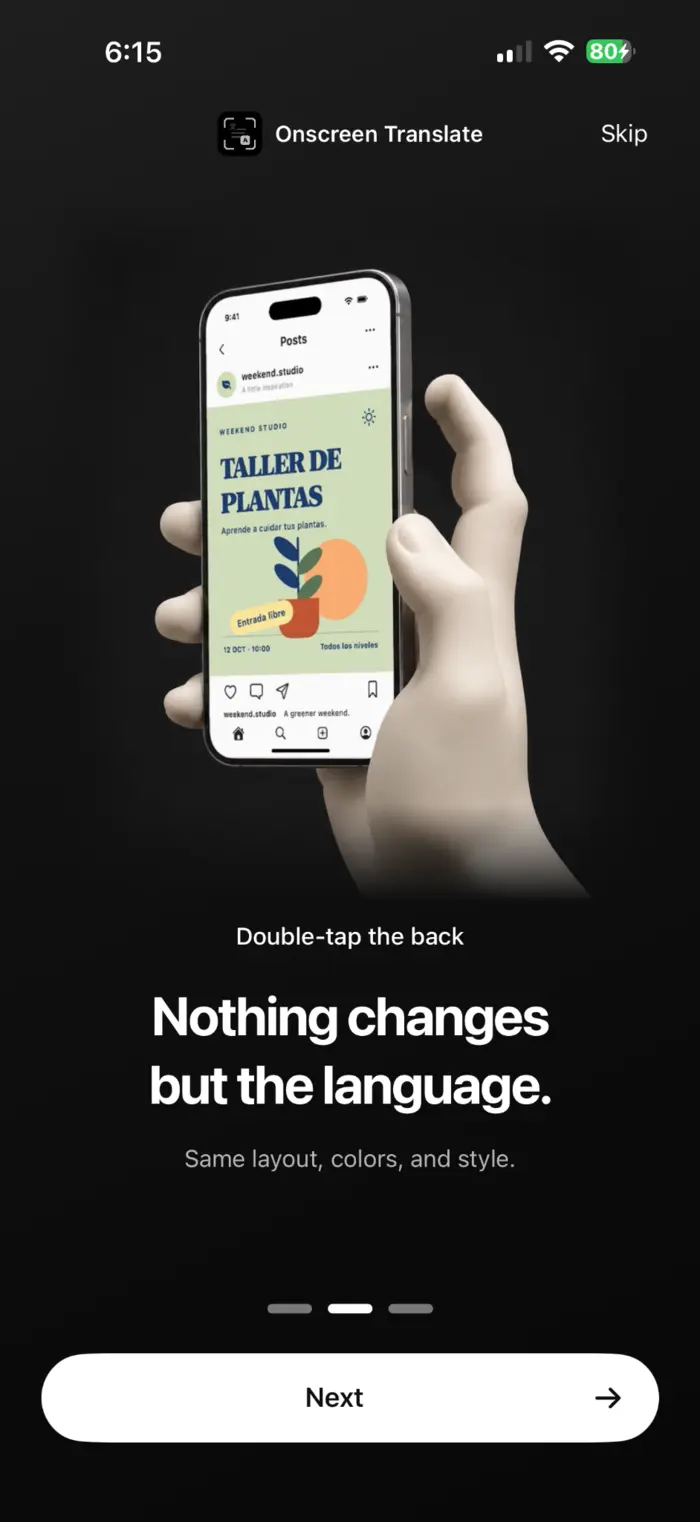
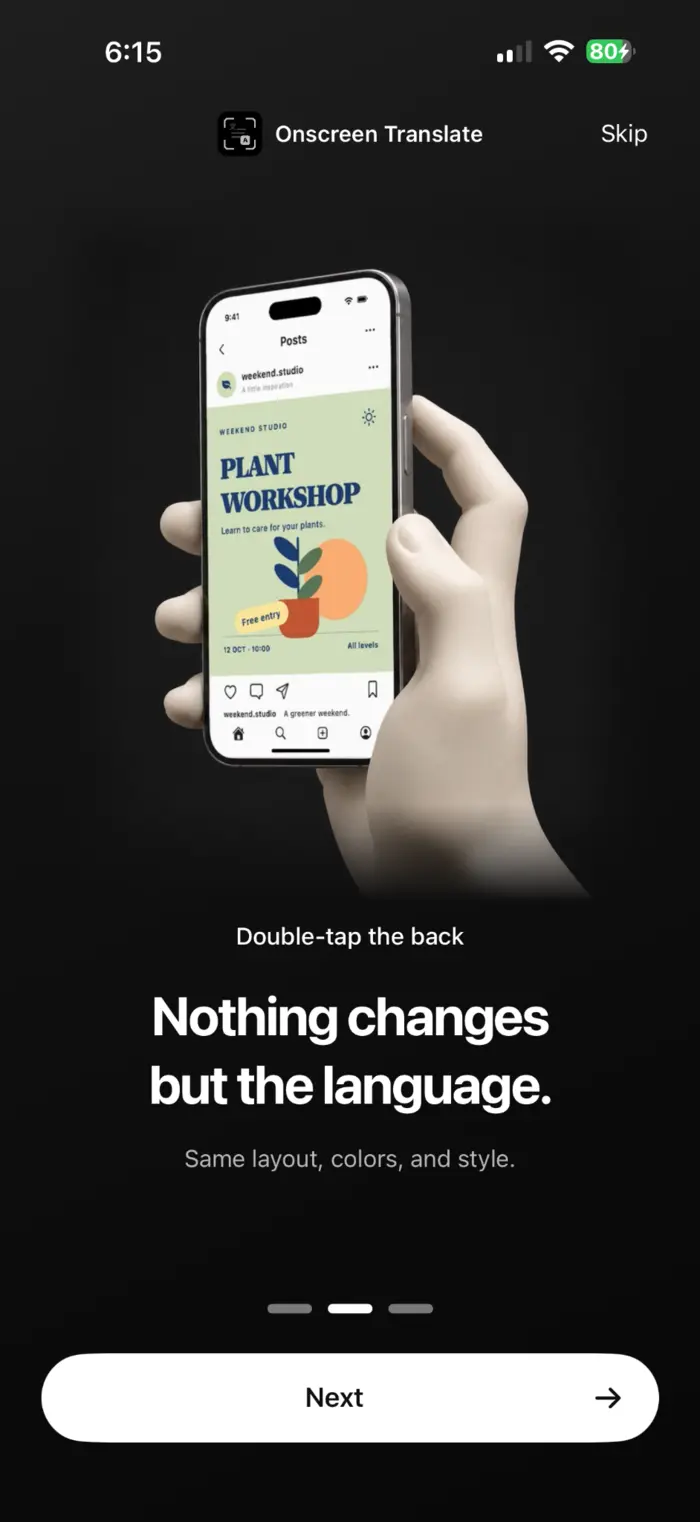
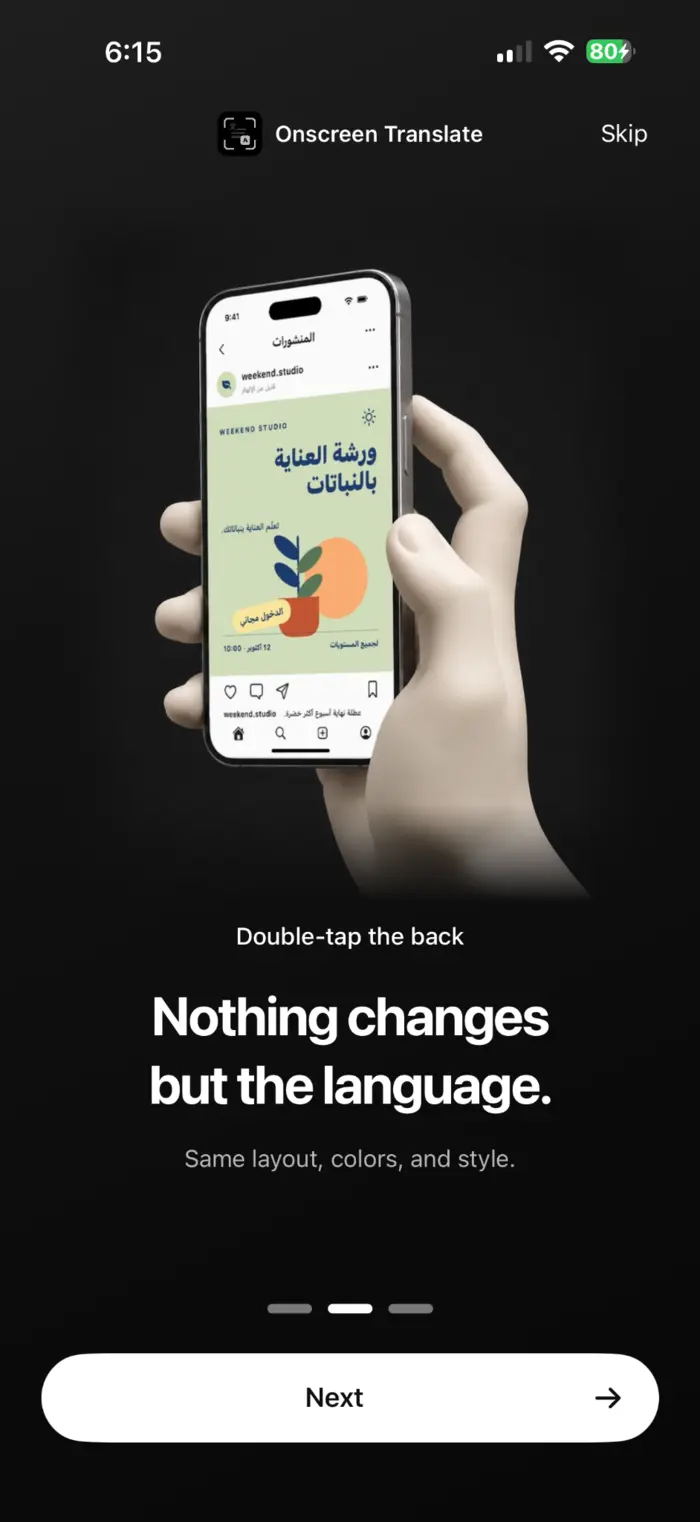
A plant workshop poster from the app's onboarding demonstration.
MAGIC TAP
Setup takes seconds.
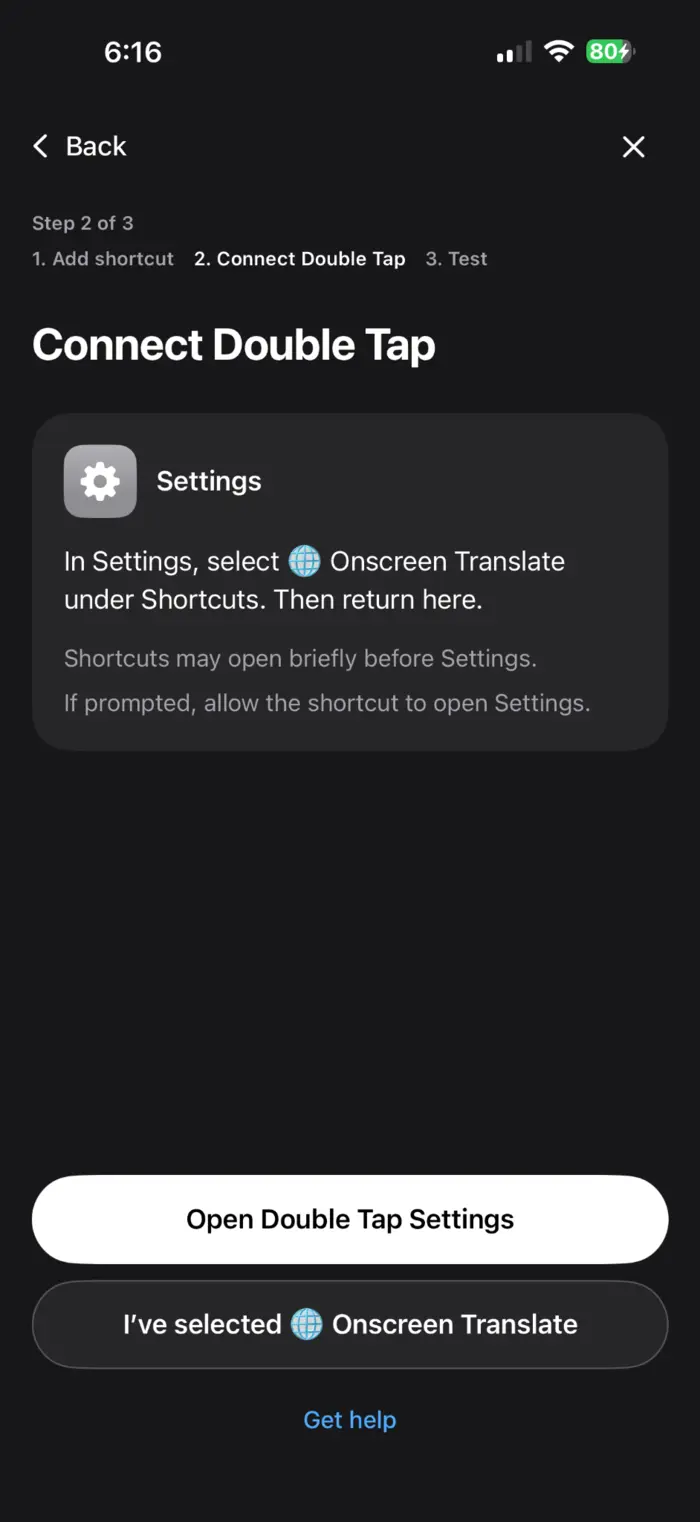
Choose Double Tap, Triple Tap, or the Action Button. OnScreen Translate takes you straight to the iPhone setting you need, so you do not have to hunt through Settings.
See the setup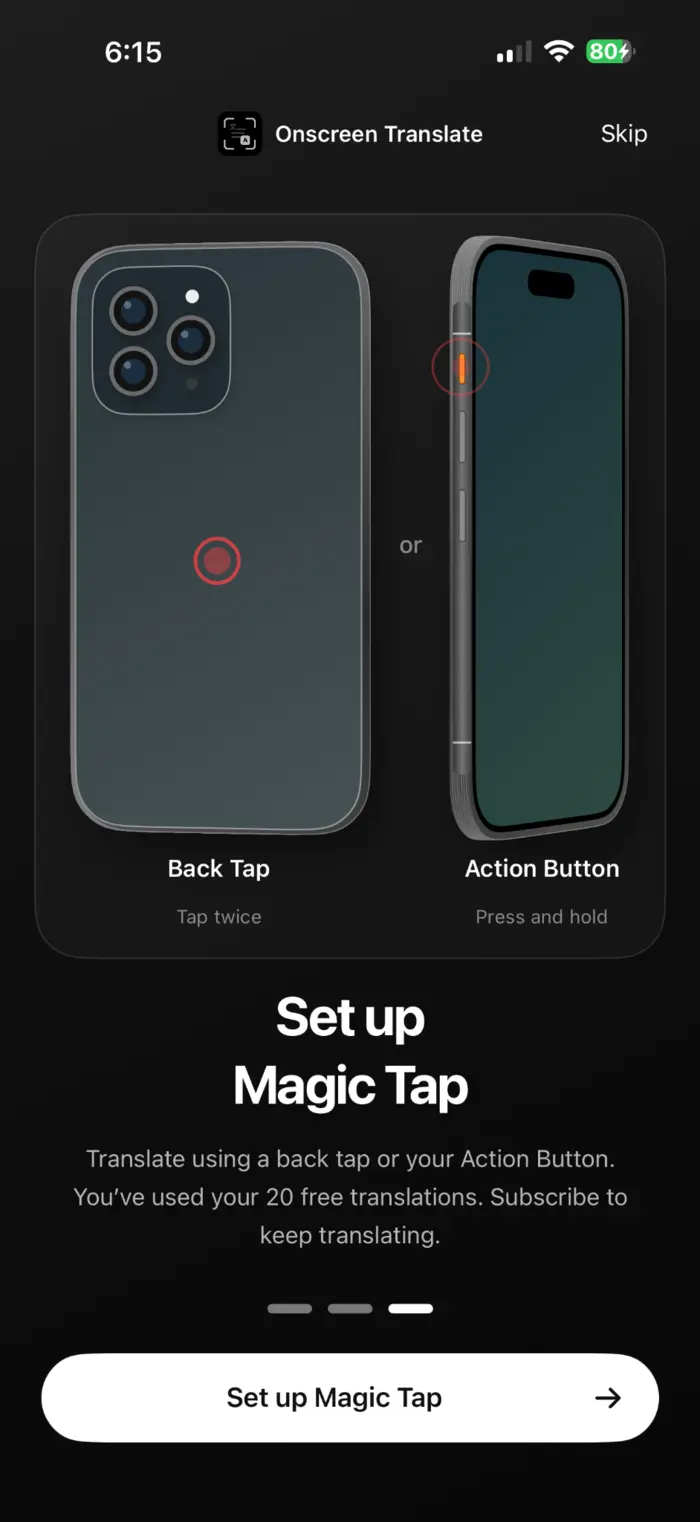
WHEN COPY DOESN'T WORK
Translate text you can't select.
App interfaces, image text, shopping apps, notifications, game menus, and other text that does not give you a copy button.
See your optionsApps that never added your language.
Read buttons, labels, listings, and image text without copying each piece into a translator.
Translate foreign appsThe local apps you need abroad.
Read driver messages, booking screens, delivery updates, local groups, and service apps while you travel.
Travel and living abroadIPHONE TRANSLATION GUIDES
Find the right way to translate your screen.
Start with a saved screenshot, text you cannot select, or an app in another language. These guides explain the built-in iPhone options and when OnScreen Translate can help.
Browse all translation guidesA few things to know.
Can iPhone already translate text?
Yes. iPhone can translate text you can select in many apps, and Apple's tools can translate text in photos and screenshots. OnScreen Translate is useful when the text is visible but hard or impossible to select, or when you do not want to copy each line into another app.
How do I start a translation?
Choose Double Tap, Triple Tap, or the Action Button in OnScreen Translate. The setup flow takes you to the relevant iPhone setting so you can assign the shortcut.
Does OnScreen Translate translate continuously?
No. OnScreen Translate translates the current screen when you trigger it. It is designed for quick screen-by-screen translation, not a continuous live overlay.
Does it keep the original layout?
OnScreen Translate is designed to keep the screen's layout and visual structure in the translated result instead of returning a separate block of translated text.