Start with the built-in option.
Apple lets you translate text you can select in many apps. Text in photos and screenshots can also be recognized and translated with Apple's built-in tools. If that solves the screen in front of you, use it.
A screen translator becomes useful when the text is visible but the app will not let you select it, or when translating one fragment at a time pulls you out of what you are doing.
Apple: Translate text in apps on iPhone
When the text is visible but not selectable.
Text inside an app interface
Translate buttons, labels, menus, cards, and other interface text that does not offer a normal text-selection menu.
Text inside images
Translate text that is part of a post, graphic, listing, or other image without copying it out first.
Screens where layout matters
Keep the surrounding design visible so the translated text still makes sense in context.
How to translate text you can't select
KEEP THE DESIGN
No ugly overlays.
The translated result keeps the screen's layout, colors, and visual hierarchy. You can read the translation in the same structure instead of sorting through disconnected text boxes.
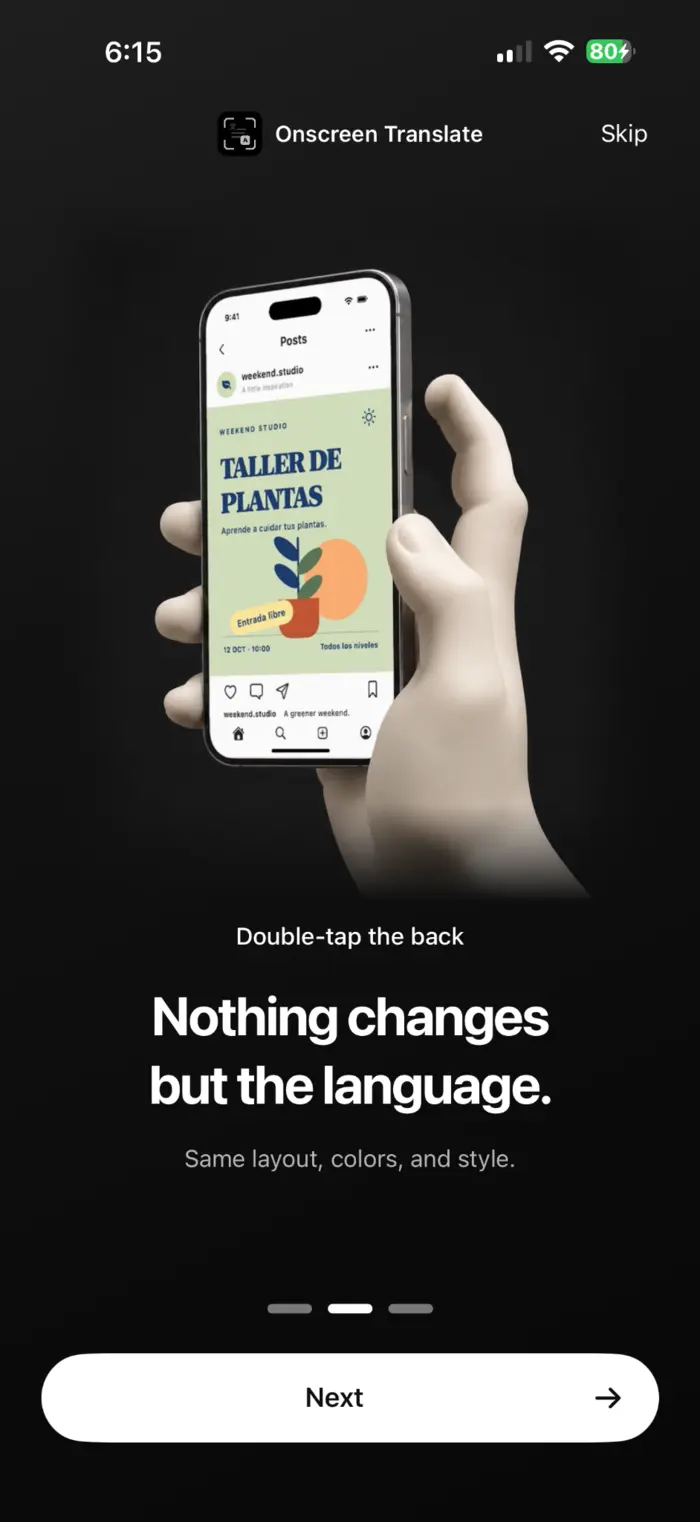
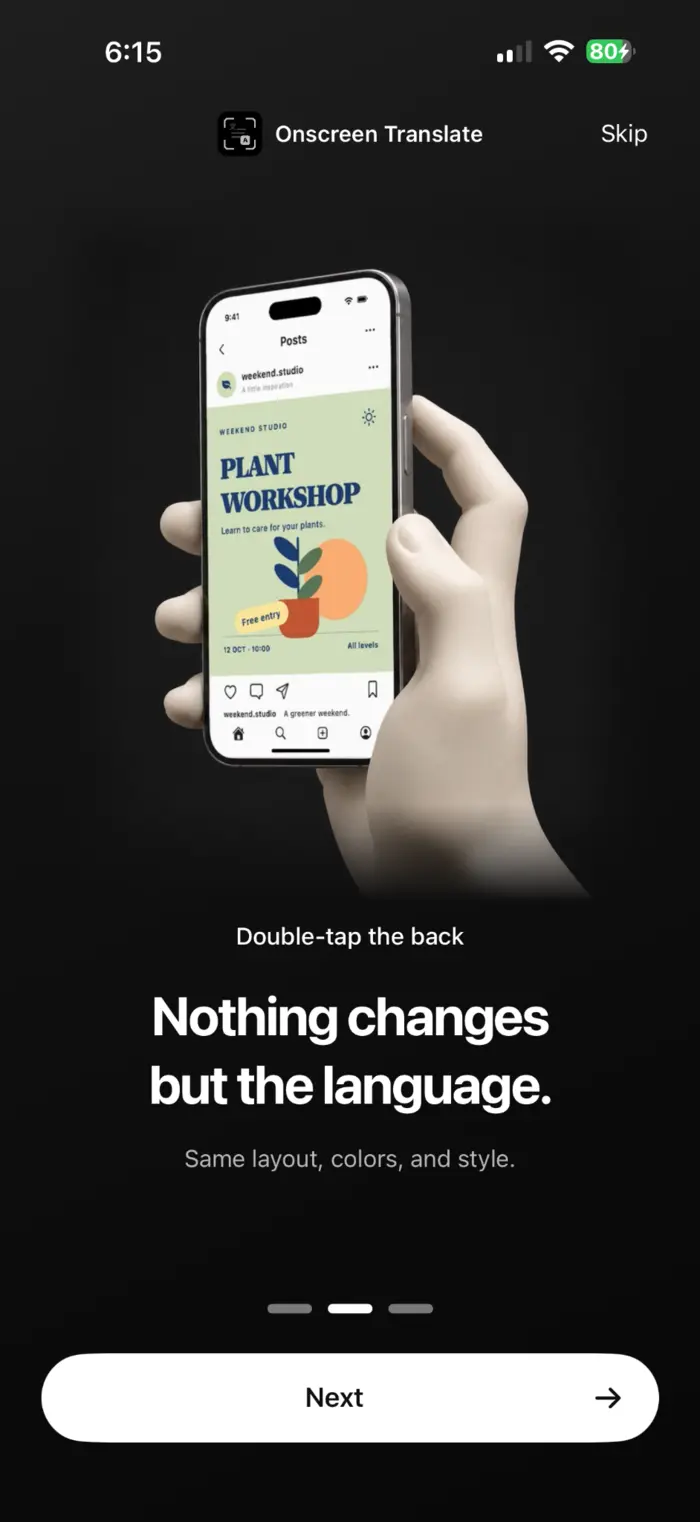
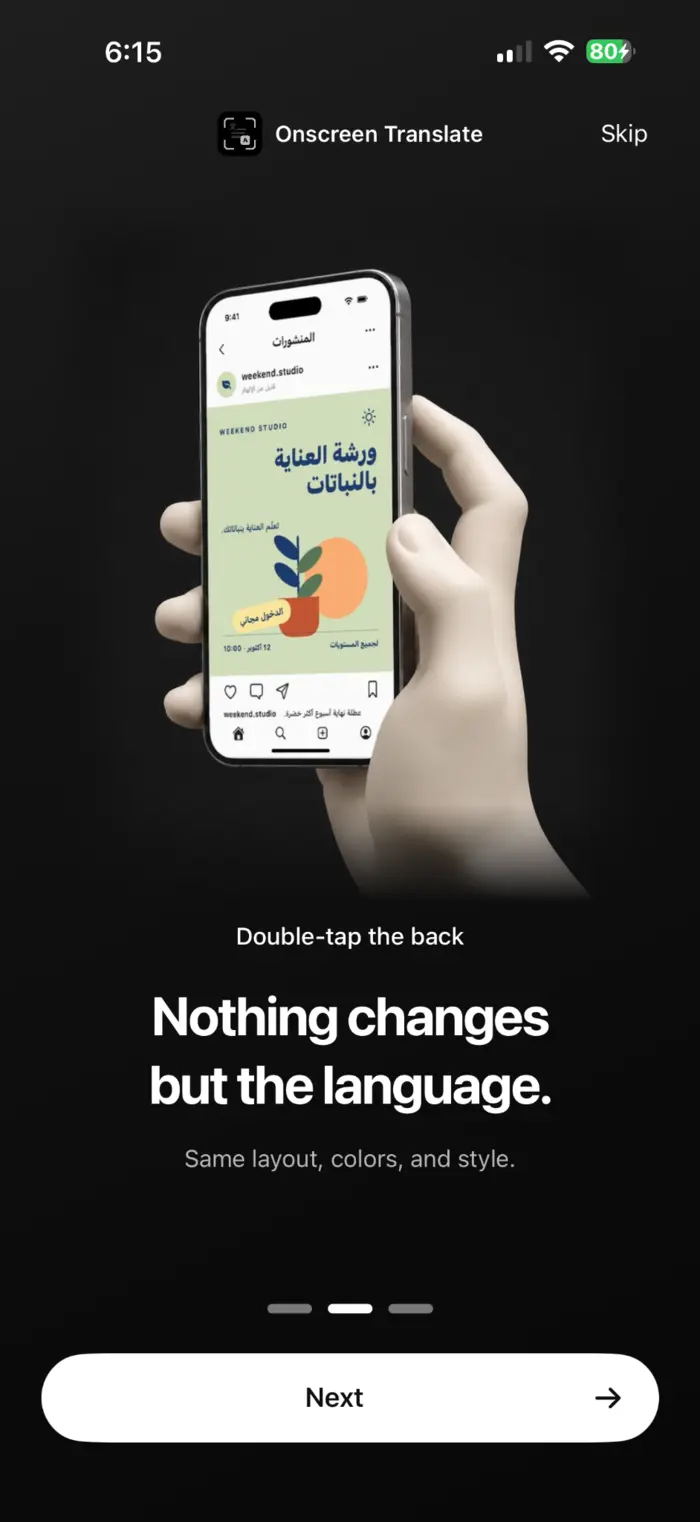
A plant workshop poster from the app's onboarding demonstration.
MAGIC TAP
Setup takes seconds.
Choose Double Tap, Triple Tap, or the Action Button. The setup flow takes you to the iPhone setting you need so you can assign OnScreen Translate without digging through menus.
Translate the screen when you need it.
- Open the screen you want to read.
- Use the trigger you chose during setup.
- Read the translated result in the screen's original visual structure.
What can affect a translation
Small, stylized, moving, or low-contrast text can be harder to recognize. Translation can also miss slang, tone, or context. Check the original before relying on a translation for an important decision.
Questions
What is an iPhone screen translator?
An iPhone screen translator starts from text that is visible on the current screen instead of requiring you to copy each line into a separate translation app. It is useful when text selection is unavailable or inconvenient.
Can iPhone translate an entire screen?
Apple can translate selected text and text recognized in photos or screenshots. OnScreen Translate is built for translating the current screen with a trigger such as Back Tap or the Action Button, one screen at a time.
Can I translate text I can't select?
Yes, if the text is visible clearly enough to be recognized. OnScreen Translate is designed for interface text, image text, and other visible text that does not expose a normal copy or translate action.
Is this continuous live translation?
No. OnScreen Translate translates the screen when you trigger it. It does not run as a continuous live translation overlay.