Rideshare and delivery
Read pickup notes, driver messages, address instructions, delivery updates, and other short-lived text without copying each message into another app.
Booking and local services
Translate buttons, appointment details, service notices, restaurant booking screens, and local apps that do not offer your language.
Groups, events, and local communities
Understand group graphics, event posts, profiles, notifications, and other content that may not have its own translate button.
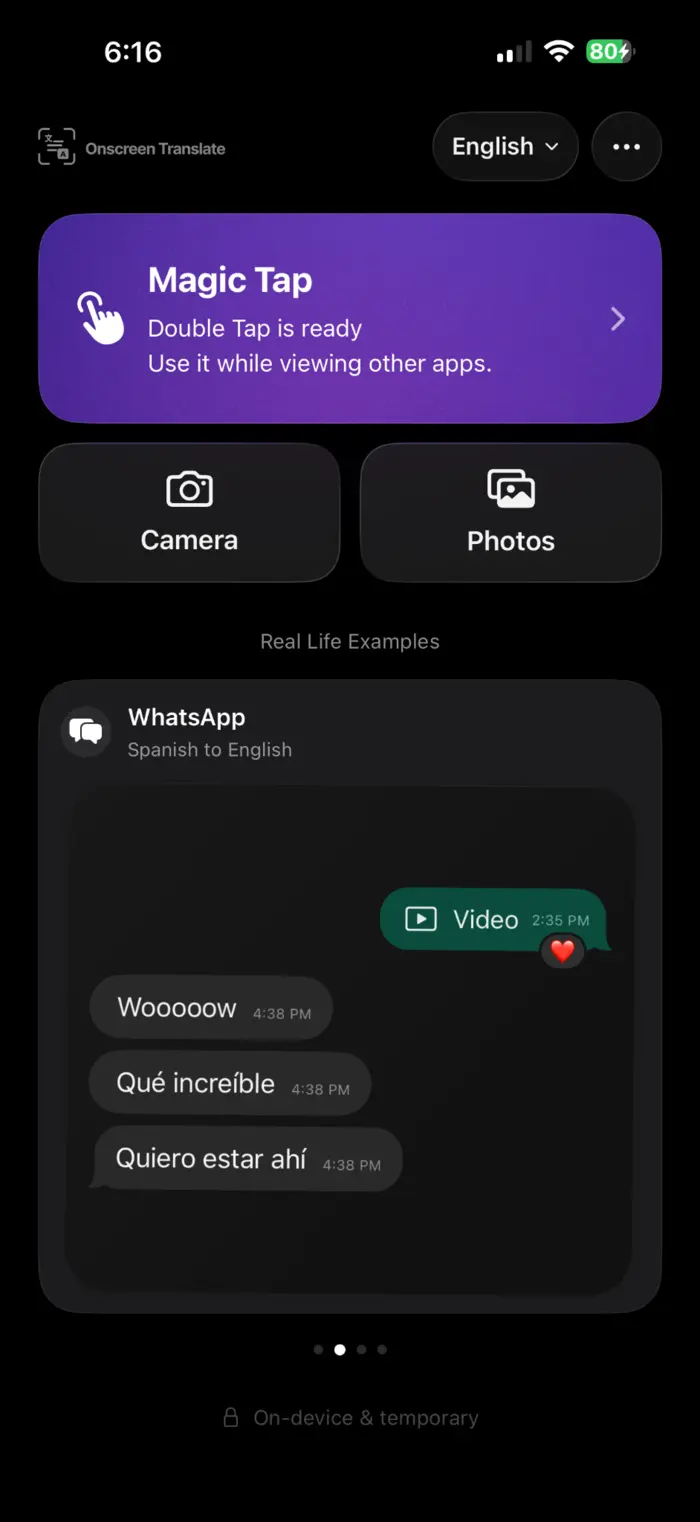
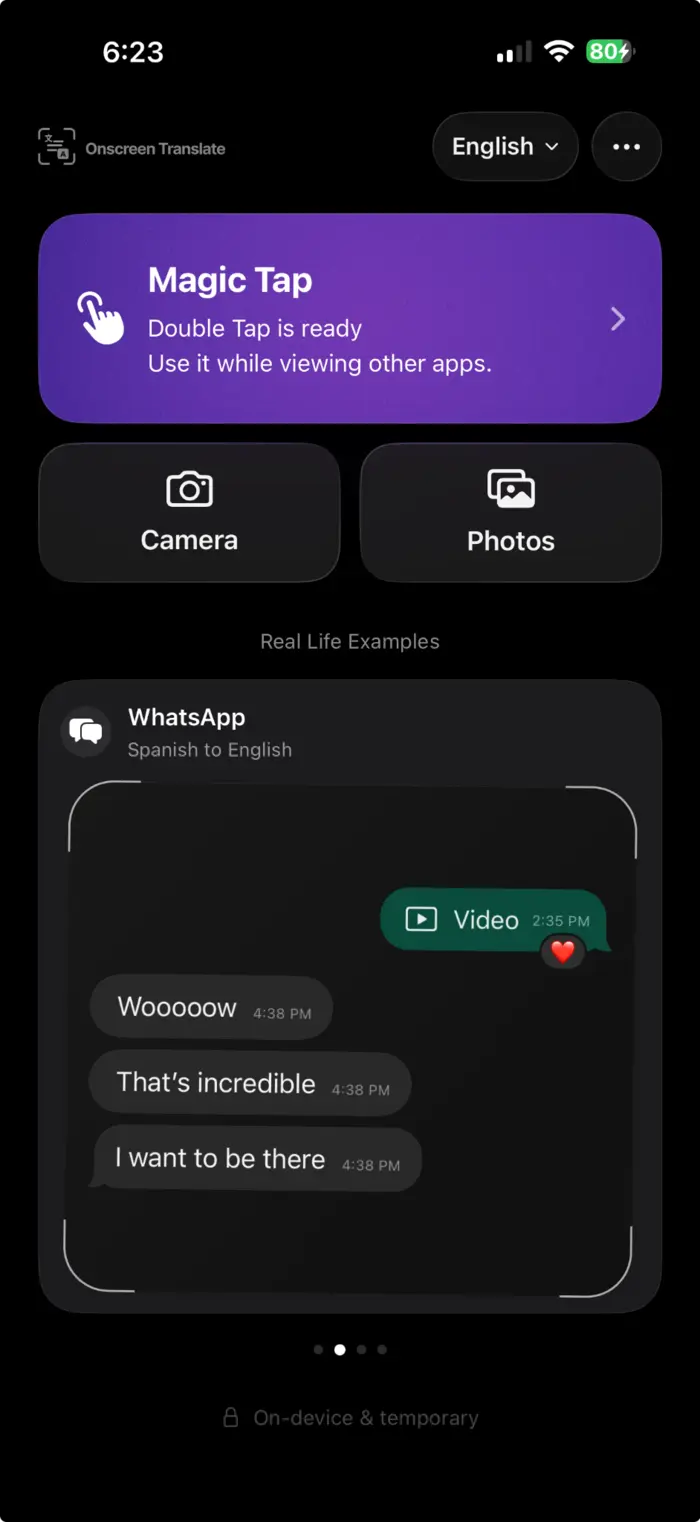
The app's built-in WhatsApp example shows the same conversation layout before and after translation.
Shopping in another language
Read product listings, option labels, seller notes, marketplace posts, and checkout screens when the app itself does not offer a useful translation.
Use the simplest translation that works.
If an app already offers your language, use it. If the text is selectable, iPhone's built-in Translate command may be enough. Onscreen Translate is most useful when the text is visible but difficult to select or translate in place.
How to translate foreign apps on iPhone